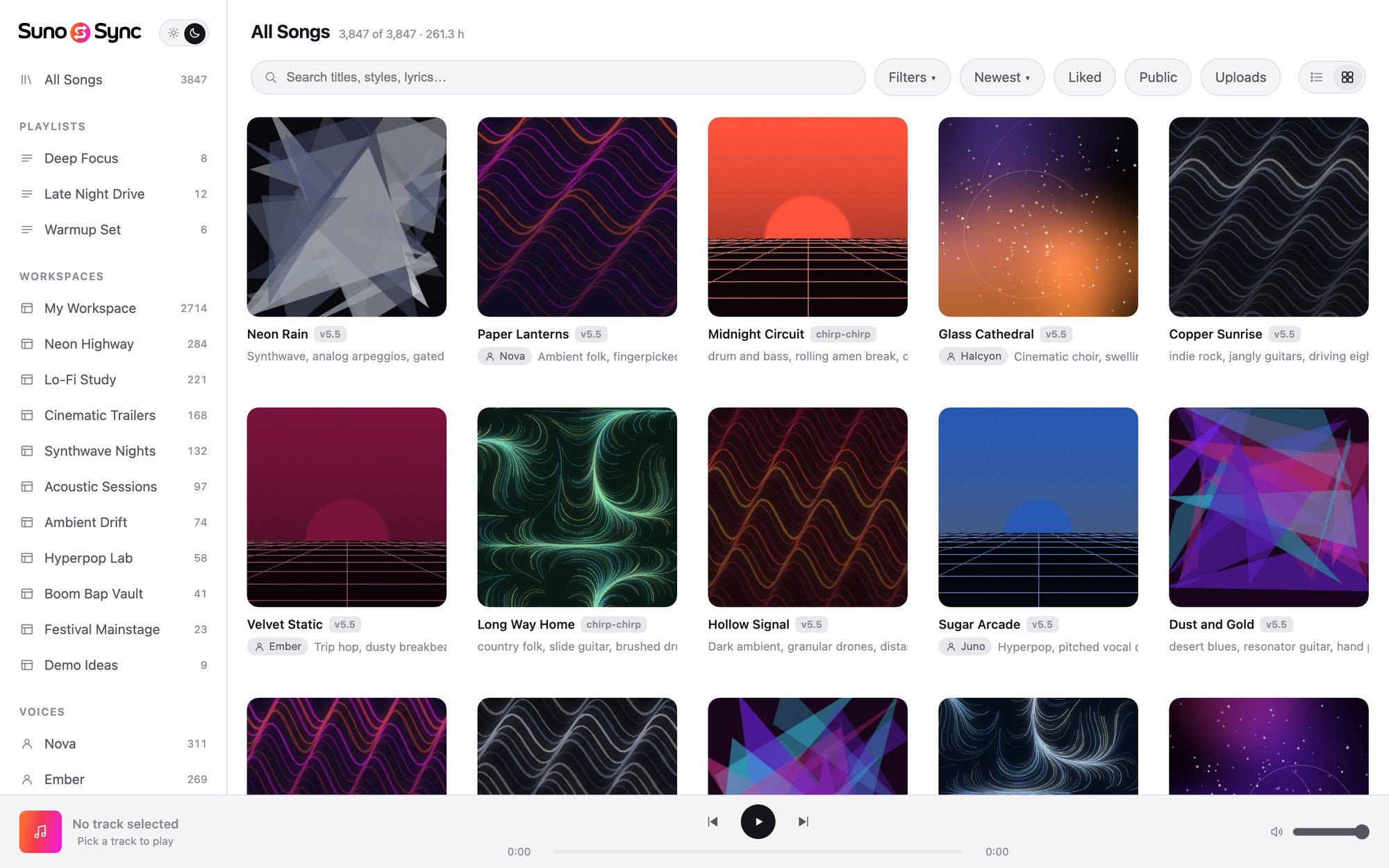
Your library is theirs until you have a copy. SunoSync walks your entire Suno account and writes it to disk — the folder structure you built, every lyric, style, persona and model, dates, likes, artwork and the audio itself. Plain files. No lock-in, nothing to reinstall when you change machines. One song is free; the whole library is one pass.
Resumable · idempotent · your account, your files
Suno's download limits
Suno introduced these caps on 3 September 2026: downloads counted per account against your Suno tier, and charged by Suno once you pass it. They are not SunoSync's limits and not SunoSync's prices. Nothing already on your disk is counted.
Read Suno's announcementPast the allowance, Suno sells downloads by the piece
Suno's prices, read off Suno's own Buy downloads dialog and paid to Suno on top of the tier you already pay them for — about $3 a track however many you buy at once. None of it goes to SunoSync.
What each Suno plan allows
7Suno Free
for the account's lifetime20Suno Pro
every month60Suno Premier
every monthWhat you get
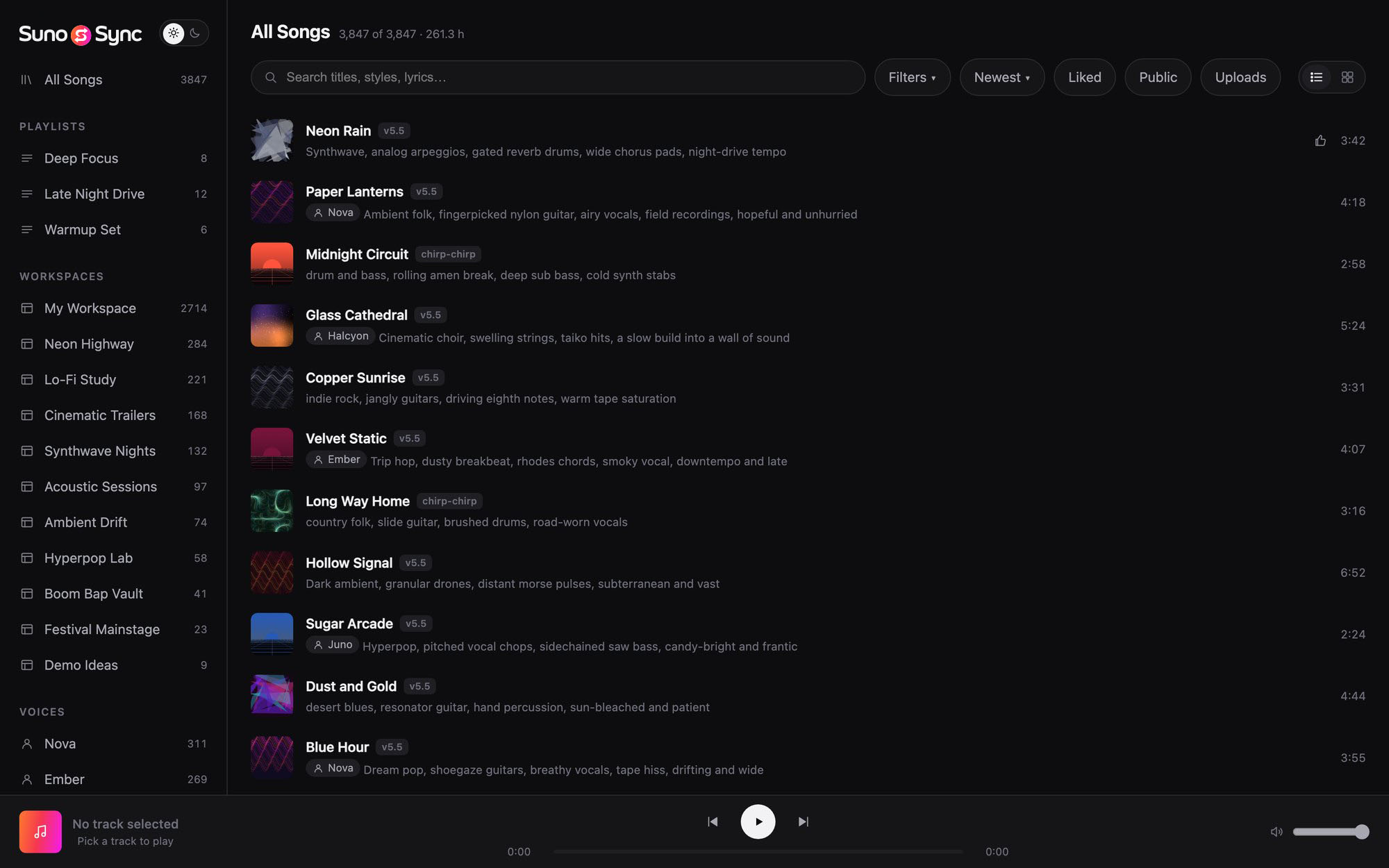
One file lands next to your music: SunoSync.html. Open it and every track is there — covers, styles, personas, lyrics, playlists — searchable, playable, and working with no internet and no account.
How it works
Paste a link at the top of this page and you get that one track — audio, artwork, lyrics and metadata — with no account and nothing installed. Backing up everything you have ever made is what the extension is for, and that needs Pro.
From the Chrome Web Store, in a click. Chrome, Edge, Brave and Opera. Nothing else to set up on your machine.
$14.99 a month, cancel whenever. It covers one Suno account and every run you make from it.
Open the extension, press Connect, and keep a signed-in suno.com tab open while it works — that tab is what lets it read your library. It walks you through the rest: pick a folder, pick what to include, press Start.
FAQ
The one worth reading twice is the WAV answer. What lands on your disk depends on what Suno is already holding, and that is worth knowing before you pay rather than after.
Yes. Paste a link to any public Suno song and SunoSync hands back the audio, the cover, the video, the lyrics and the full metadata. No account and nothing installed.
Yes. Suno signs its MP3 links now, so a page with no Suno session cannot fetch one — the audio comes out of the track's own video, which is public and unsigned, and is re-encoded to a 320 kbps MP3 in your own browser. That is the same recording and a few seconds of waiting. Install the extension and leave a suno.com tab open and you get Suno's own MP3 file instead.
Install the SunoSync extension, connect your Suno account and start one export. It walks the entire library — Workspaces, Playlists and personas kept — and writes it to a folder you pick. That is what Pro is for.
WAV lives inside your own Suno library rather than on a shared link, so it needs the extension and a Pro licence. Where your account already holds a master — a WAV you asked Suno for earlier — SunoSync fetches that exact file and converts nothing. Where it holds none, SunoSync builds a Compatible WAV in your browser by decoding the player's stream: a real WAV file that plays anywhere, but the audio inside it was decoded from lossy Opus, so it is not a lossless master and is never labelled as one. Either way SunoSync only takes what your account already has — it never asks Suno to render a new WAV, so none of your Suno download allowance is spent.
The ones you have already split in Suno. A stem is a clip in your own library and Suno records which song it came from, so an export finds it and Pro writes it into a Stems folder inside that track's own folder. SunoSync does not split anything itself — a track you never separated in Suno has no stems to fetch, and the export leaves it alone rather than making them.
Free is one track at a time: an MP3, and with it the video, the cover, the lyrics and the metadata. The subscription is only for Pro, which takes the whole library in one pass, comes back later for nothing but what has changed since, and adds the WAV versions, the stems you split for a DAW, and the offline catalogue for browsing and copying. It is $14.99 a month for one Suno account and you can cancel at any time — you keep the month you have paid for, and every file you have already downloaded stays on your disk.
Price
The free grabber takes a link and hands back that track — audio, artwork, lyrics and metadata. Pro is what turns one link at a time into your whole account in a single pass, with WAV, the stems and the folders you built.
Checkout
Cancel whenever — you keep the rest of the month, and every file you have downloaded is already on your disk.
Past your tier's allowance your own tracks come out at a metered rate. One month here downloads the lot; the same library through the allowance is a queue you sit in.
| Library | SunoSync Pro | Suno Pro 20 a month | Suno Premier 60 a month |
|---|---|---|---|
| 500 tracks | one run | 25 months | 9 months |
| 2,000 tracks | one run | 8 years | 3 years |
| 4,000 tracks | one run | 17 years | 6 years |
Months, not money — and the allowance runs through every one of them. One month here is $14.99, and the files are on your disk that afternoon: a library downloaded in the first week is downloaded whether or not you stay a second month. Pro covers one Suno account — the extension pairs to that account, and a second Suno account needs its own. Your exported files stay yours either way: they are on your disk, not ours.
Your email is the whole account. We send a link and a six-digit code — either one signs you in, and the first time creates the account.
We sent a message to . Type the six digits, or open the link in it.
By using SunoSync you agree to our Terms and Conditions, Refund Policy & Privacy Policy.